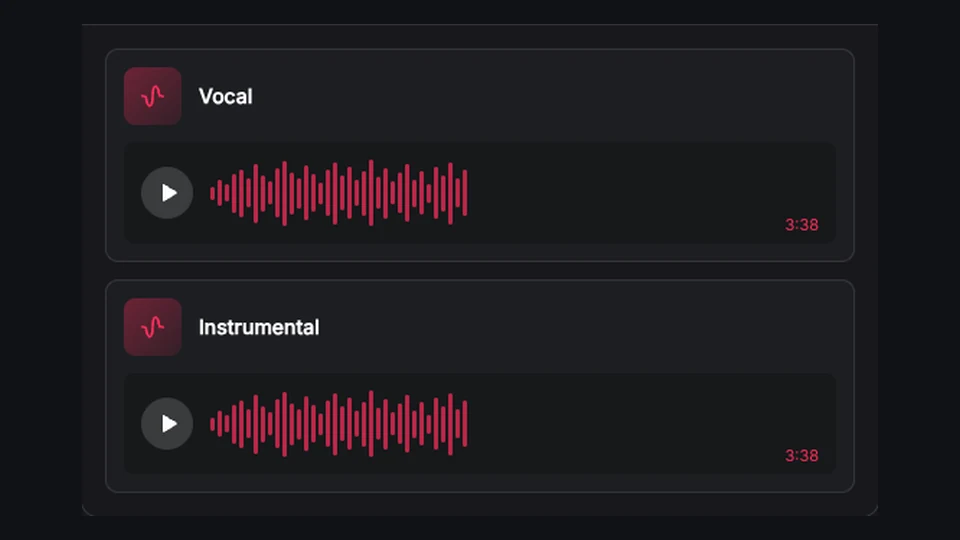
Your AI song library
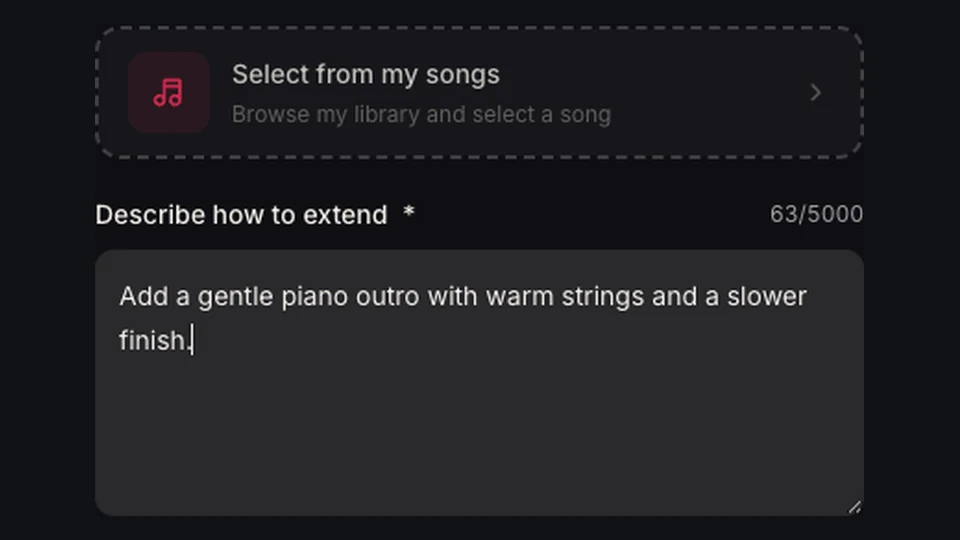
Select an eligible song you generated on BeatMuse from your Library.
Choose your BeatMuse AI song and explore a new arrangement or vocal style.
Reimagine an existing song with clear controls, saved results, and a connected workflow for every next step.
Select an eligible song you generated on BeatMuse from your Library.
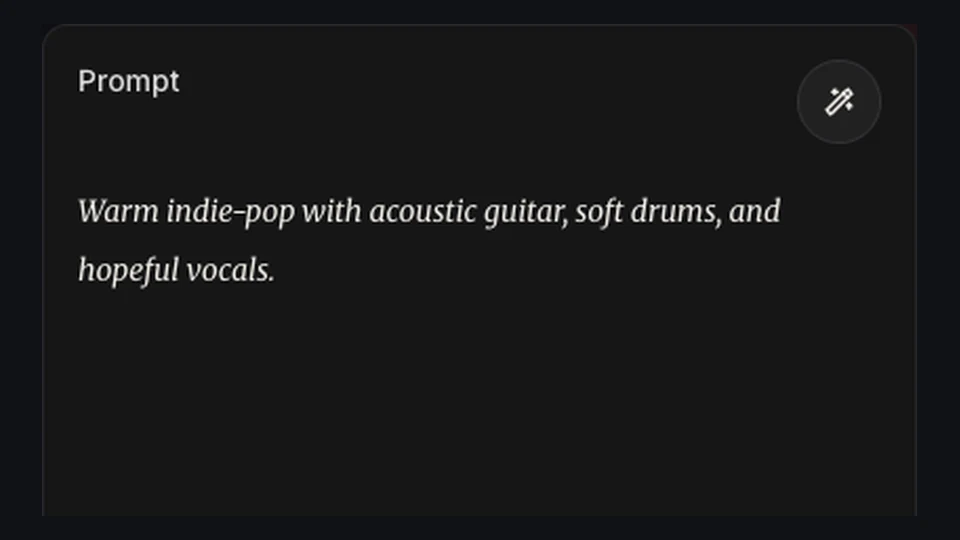
Use one concise prompt or provide style, title, lyrics, model, and advanced weights.
Explore another genre, mood, or performance style for your AI song.
Every returned version is saved as its own playable track and remains connected to the source audio.
Explore acoustic, electronic, orchestral, or genre-shifting versions of an original idea.
Restyle Your Song
Hear how the same source behaves under several style directions.
Create Cover Variations
Test an arrangement direction before rebuilding it in a full production workflow.
Try New Arrangements
Shift the energy, pacing, and atmosphere of a source while preserving the core musical idea.
Reimagine Your Song
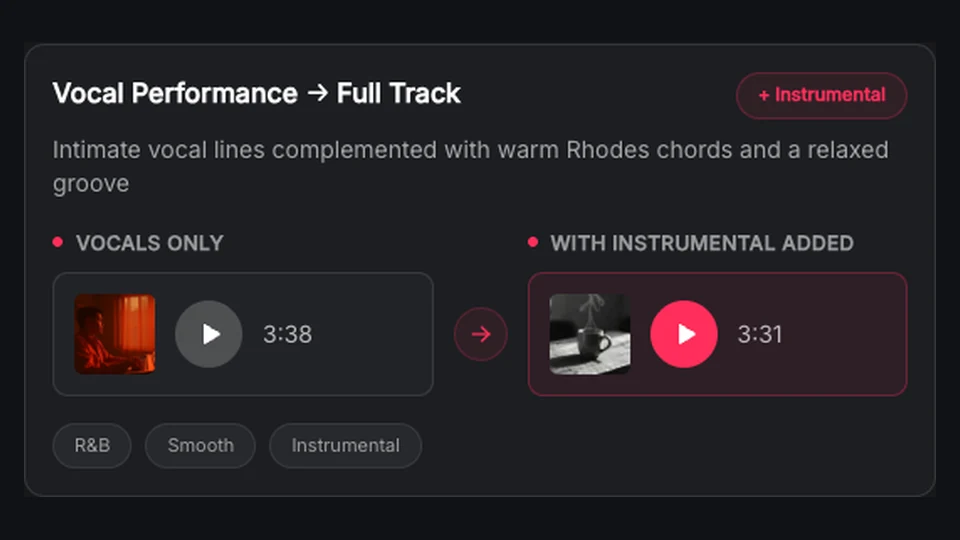
Explore vocal-free versions for background use, performance planning, or further production.
Create Instrumental CoversSelect an eligible BeatMuse-generated song from your Library. Uploads and versions derived from external audio are not supported.
Set the style, lyrics or instrumental output, title, voice direction, and model as needed.
Play each returned variation and keep its source relationship attached in your workspace.

Use the workbench above, save every useful result, and keep developing your music in one connected workspace.
Create an AI Cover