Build on your song
Choose an eligible BeatMuse song from your Library as the starting point for a new arrangement.
Give your BeatMuse vocal song a new backing arrangement. Choose a Library track and describe the sound you want.
Guide the sound. Keep the original. Compare new versions.
Choose an eligible BeatMuse song from your Library as the starting point for a new arrangement.
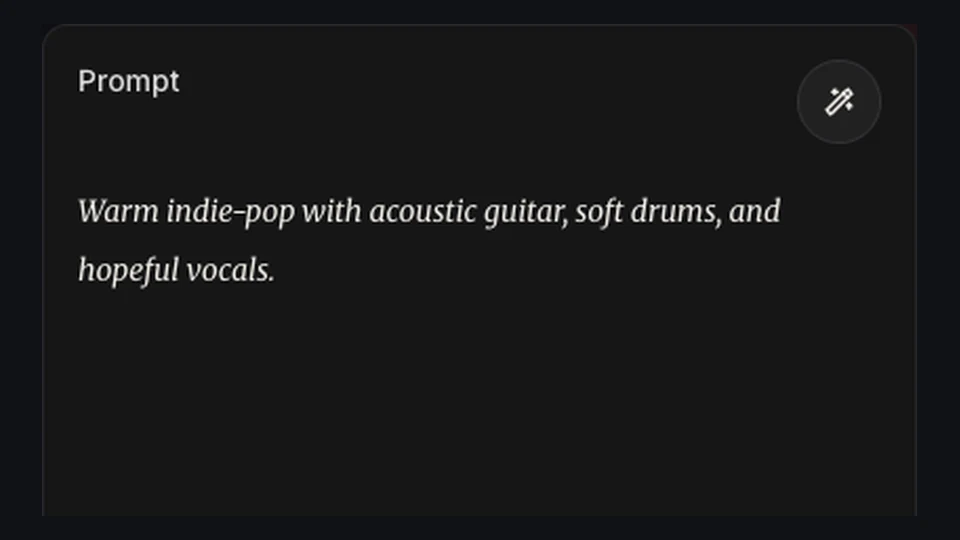
Describe the instruments and mood. Use Negative Tags for sounds you want to avoid.

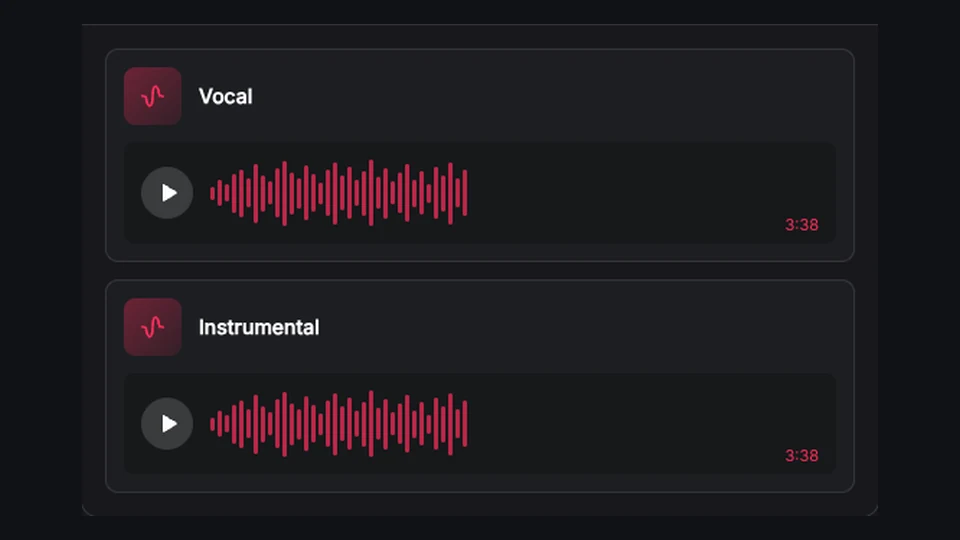
Compare separately saved arrangements while your original song stays in the Library.
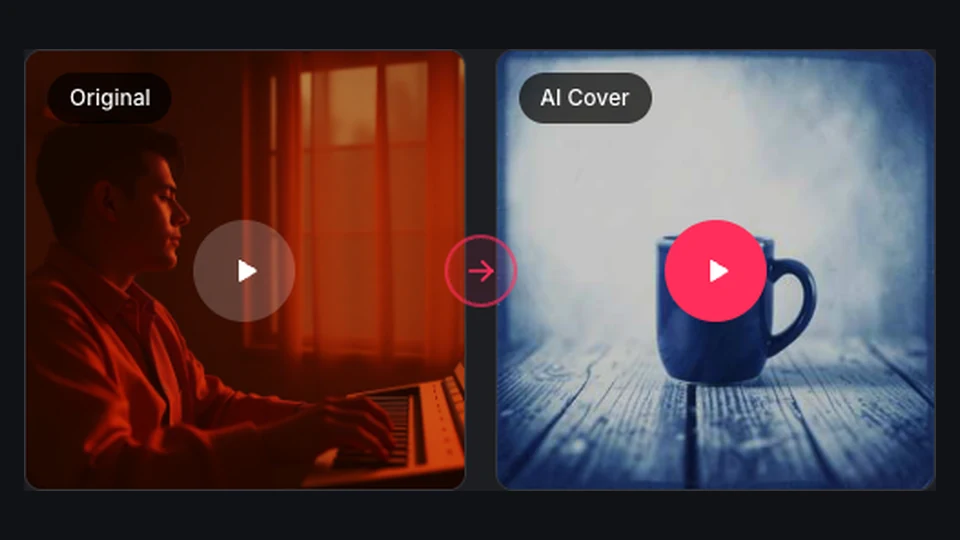
Continue with Extend, Cover, or vocal separation using an eligible saved result.
Build a new backing around a vocal idea from your BeatMuse song. Describe the instruments and energy you want to hear.
Try an arrangement
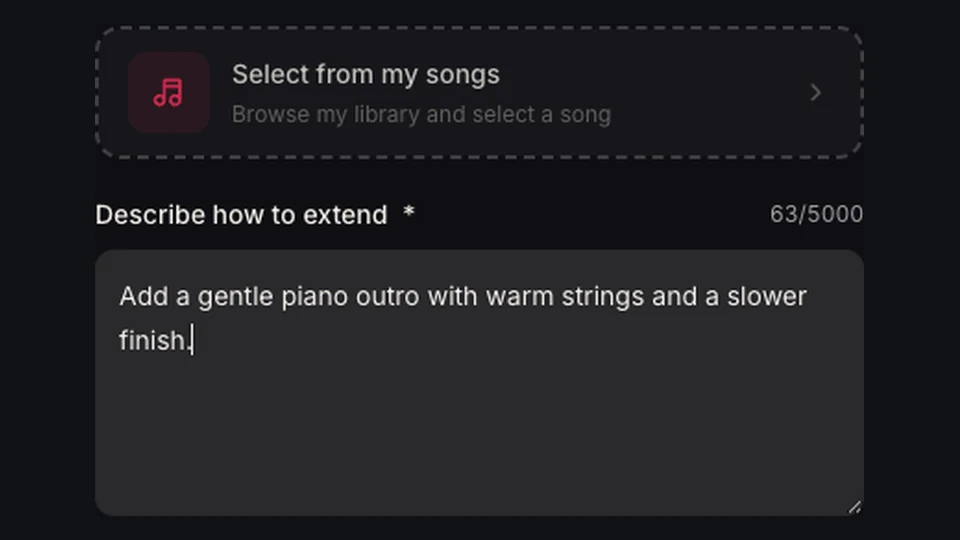
Try piano-led backing or an electronic groove from the same source. Each task saves a new version for comparison.
Try an arrangement
Ask for sparse instruments and restrained rhythms. Listen to the result to judge whether the backing leaves enough room for the voice.
Try an arrangement
Hear an arrangement idea before developing it further. Use the saved take as a reference for the mood and instrumentation.
Try an arrangement
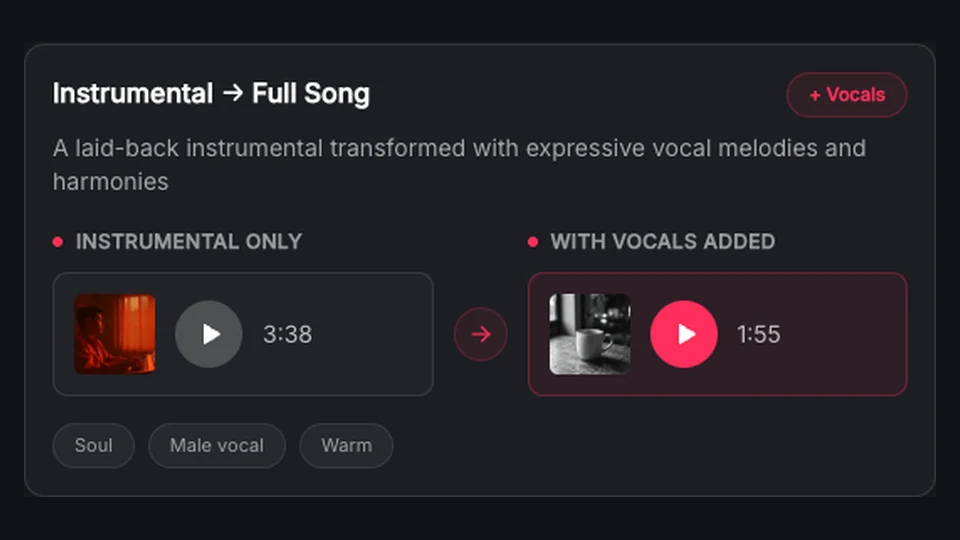
For an eligible instrumental song, switch to Add Vocals. Supply your lyrics and vocal direction to create new vocal versions.
Try an arrangementSign in and select an eligible song generated in your BeatMuse account.
Enter a title, choose a model, and fill in Instrumental Style and Negative Tags.
Review the credit cost, generate your arrangement, and listen to the saved versions.