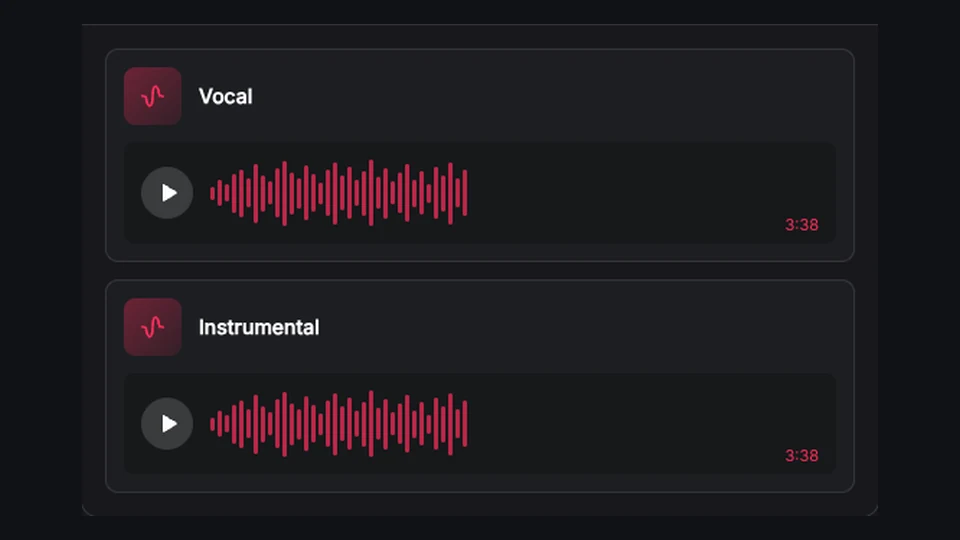
Add Vocals to Song with AI

Choose a song from your Library, add your lyrics and musical direction, and create new vocal versions with BeatMuse.

Music workbench view

Why add vocals to song ideas with an AI vocals generator?

Bring your BeatMuse AI instrumental and original lyrics into one source-aware workflow, compare complete vocal variations, and keep the original track available for every next decision.

Use the exact lyrics you want performed

Add vocals to song ideas with words you wrote instead of relying on an unspecified theme. The workflow accepts complete lyrics and section labels together with a title and musical style. Keeping lyrics separate from the production brief helps the AI vocals generator distinguish what should be sung from instructions about genre, energy, instrumentation, and performance direction.

Guide style, voice, and unwanted sounds

Describe how the vocal should sit inside the existing instrumental and choose a supported model. Voice gender can provide probabilistic direction, while exclusions and optional sound weights help narrow the result. BeatMuse presents these as guidance rather than promising a named singer, exact cloned voice, or identical vocal take from the AI vocals generator.

Song artwork representing the Add Vocals to Song with AI workflow

Keep the instrumental and every vocal version

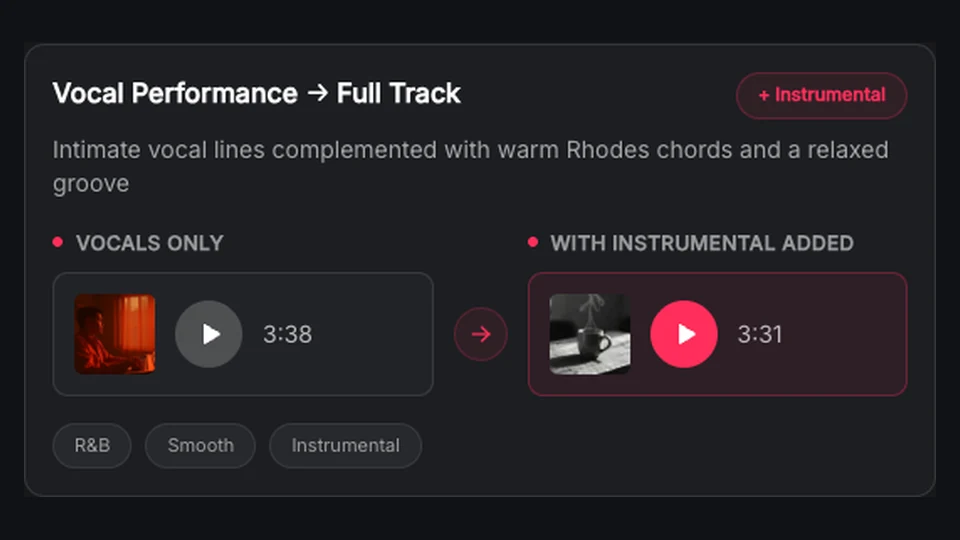
The instrumental remains the source track while every completed vocal variation receives its own Library identity. If one task returns several songs, BeatMuse preserves them separately so you can compare melody, phrasing, tone, and arrangement. This makes it practical to add vocals to song drafts without overwriting the beat or losing a stronger alternate take.

Continue with the complete song

Play each result in the persistent player, edit its metadata or artwork, and continue from the version that works. A finished AI vocals generator result can become the source for an extension, a new cover direction, or vocal and stem separation. Source lineage keeps those later tasks connected to the instrumental and lyrics that began the workflow.

Ways to add vocals to song drafts, beats, and instrumentals

Hear original lyrics against an existing beat with Add Vocals to Song with AI

Hear original lyrics against an existing beat

Songwriters can add vocals to song instrumentals to test whether a verse and chorus fit the available space. Paste the intended words, describe the vocal feel, and compare several completed songs before booking a vocalist or revising the lyric. Because the instrumental remains intact, every idea is evaluated against the same musical foundation.

Try Add Vocals to Song with AI
Explore toplines for producer demos with Add Vocals to Song with AI

Explore toplines for producer demos

Beat makers and producers can use the AI vocals generator to explore lead-vocal approaches for an unfinished instrumental. Different tasks can test contrasting moods, structures, or vocal directions while preserving the beat. The results act as arrangement and songwriting references; BeatMuse does not represent the generated voice as a specific real performer.

Try Add Vocals to Song with AI
Test lyrics in the language you write with Add Vocals to Song with AI

Test lyrics in the language you write

When the selected model supports the language and writing system, creators can add vocals to song drafts using the words they intend to perform. Keep cultural or pronunciation expectations realistic and review every result carefully. Generated audio is a creative candidate, not a guarantee of perfect diction, translation, or regional vocal authenticity.

Try Add Vocals to Song with AI
Draft hooks, verses, and vocal structure with Add Vocals to Song with AI

Draft hooks, verses, and vocal structure

Use clear section labels to communicate a verse, pre-chorus, hook, bridge, or outro. The AI vocals generator can turn that structure into full-song variations that reveal pacing issues earlier. Compare how much room each section receives, then revise the lyrics or direction in a new task without altering the original instrumental.

Try Add Vocals to Song with AI
Prepare a full song for the next production step with Add Vocals to Song with AI

Prepare a full song for the next production step

A preferred vocal result can move through the rest of BeatMuse. Extend a promising ending, create a cover in another style, adjust the track details and artwork, or separate vocals and stems for closer review. This connected path makes it easier to add vocals to song material and continue working instead of exporting an anonymous one-off file.

Try Add Vocals to Song with AI

How to use the BeatMuse AI vocals generator

Start with Add Vocals to Song with AI

Choose an instrumental you can transform

Select an eligible instrumental song you generated on BeatMuse from your Library. An arrangement with room for a lead part gives the new vocal a useful musical foundation.

Add lyrics and vocal direction

Enter a title, paste your original lyrics, describe the style, list exclusions, and choose a supported model. To add vocals to song material coherently, align the lyric structure and vocal mood with the instrumental rather than asking the same task for several conflicting genres or performance styles.

Generate and compare vocal songs

Review the credit cost before submission, then let the recoverable task continue if you navigate away or refresh. When the AI vocals generator finishes, listen to every separately saved version, compare the phrasing and fit, and choose the track worth extending, covering, downloading, or separating.

Add vocals to song and AI vocals generator FAQ

BeatMuse

Turn your instrumental into a complete vocal song

Choose your BeatMuse AI song, provide your lyrics and musical direction, and let the AI vocals generator create separately saved versions to compare.

Add vocals